Agora on your Mac
Your whole team in a window of its own, with the system's notifications and screen sharing.
The macOS app is coming soon Meanwhile, Agora works fully in your browser.
Open Agora in the browser- macOS 13 Ventura or later
- Apple silicon or Intel Mac: one file for both
- An internet connection
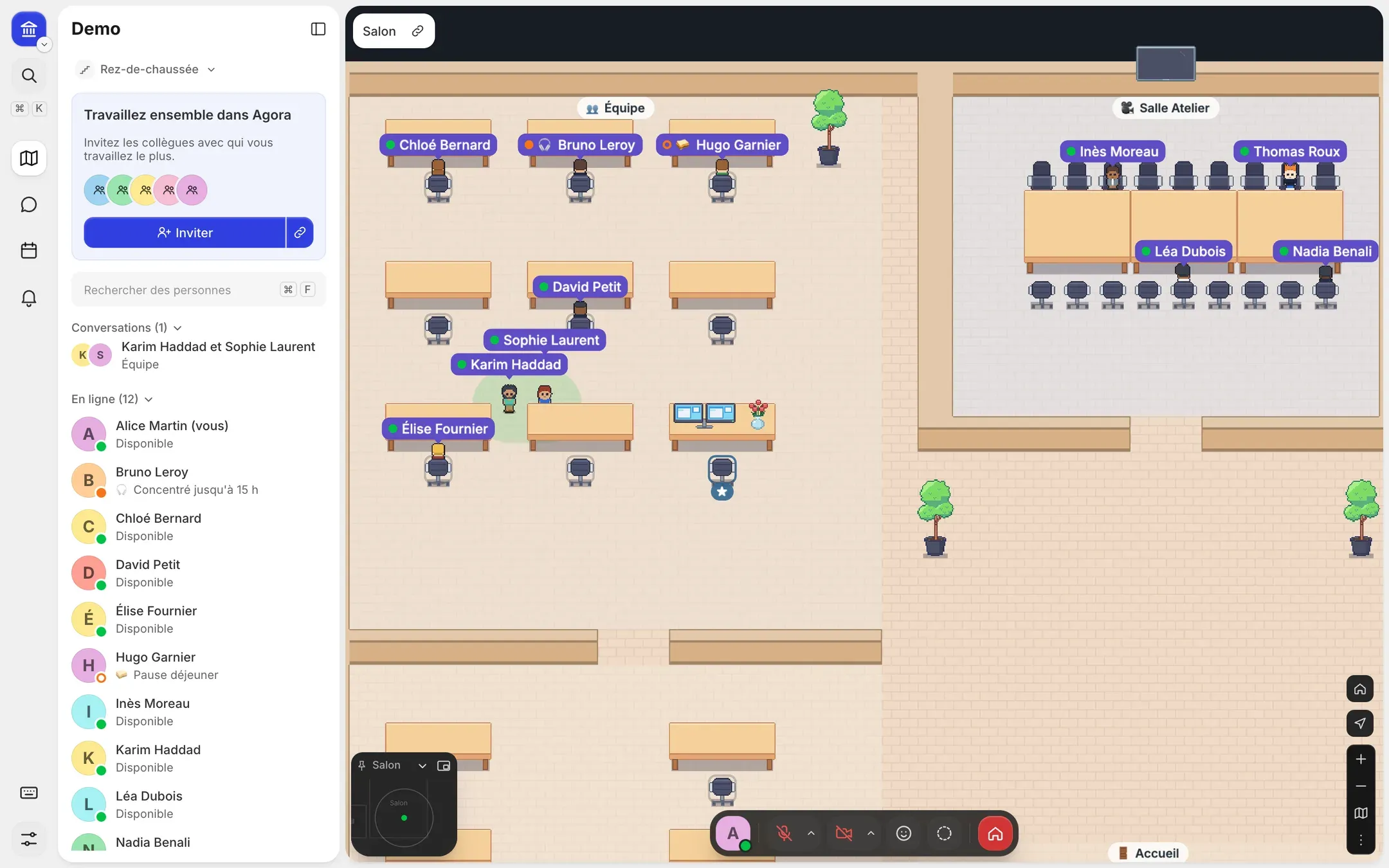
What the app adds
-
Native notifications
Mentions and messages in Notification Center, unread count on the Dock.
-
System screen sharing
macOS's picker to choose a screen or a window; Agora leaves itself out of the capture.
-
Mini window
Videos or the plan stay on top while you work.
-
Shortcuts
Microphone and camera from the keyboard, and an icon in the menu bar.
-
No sleep during calls
The Mac stays awake during a conversation.
-
Automatic updates
Installed outside calls, without asking you anything.
Install
- Download the .dmg file.
- Open it and drag Agora into the Applications folder.
- Launch Agora and sign in with your usual account.
Move your team into Agora
Set up your office in a few minutes, then invite your colleagues.